Risk Management / Control Risk / Porter Logs
What Are Porter Logs?
Porter Logs track a cleaner’s daily tasks, specifically what was done and when. Porter Logs are required for all sites that have cleaning take place while customers are present in the site (except if the site has Lighthouse).
Required Information
Specific site name, Account Manager, porter name, dates and shift times.
The exact time each area of the site was cleaned, spills, safety hazards, maintenance issues and whether an incident occurred.
Porter Logs must be completed each day while the porter works through their shift.
Why Do We Use and Retain Porter Logs?
Porter Logs are our evidence to prove the following when an incident occurs and if a claim is made:
When the porter was last in the area where an incident occurred and what tasks were completed.
Where the porter was within a site when an incident occurred.
If a safety hazard or maintenance issue was known and reported to management.
How to Complete a Digital Porter Log
Select Porter Log from the task menu in Lighthouse.
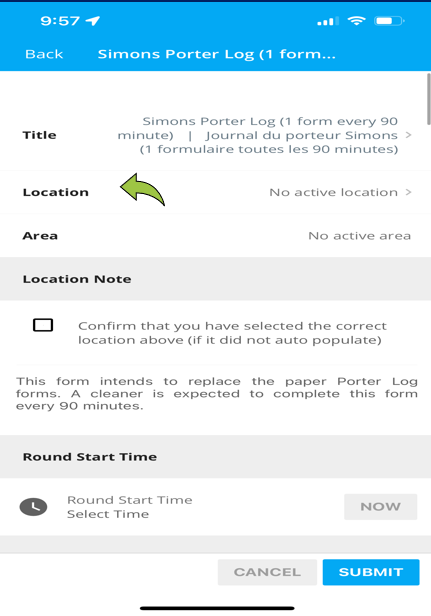
Select the proper site name for your location.
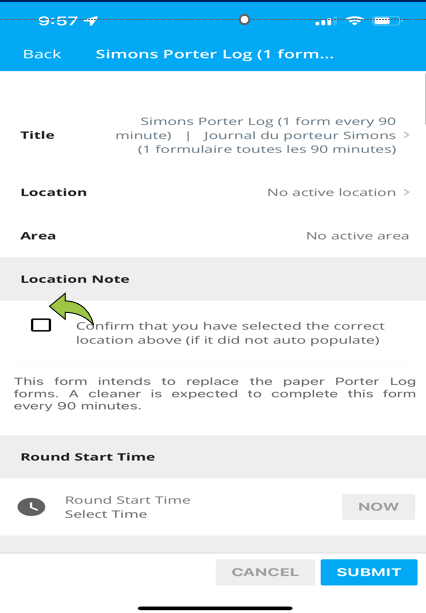
Confirm you selected the right site name for your location by clicking the Confirm button.
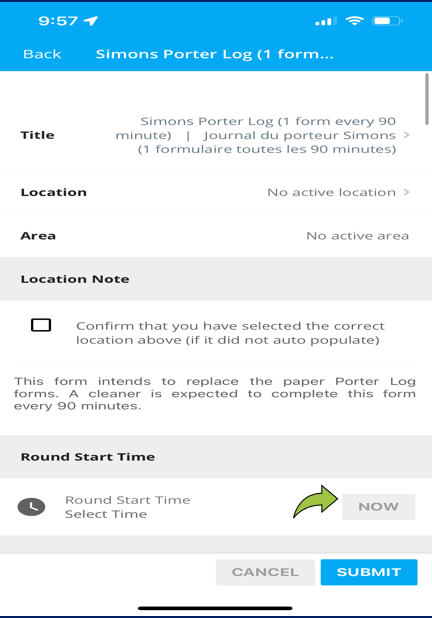
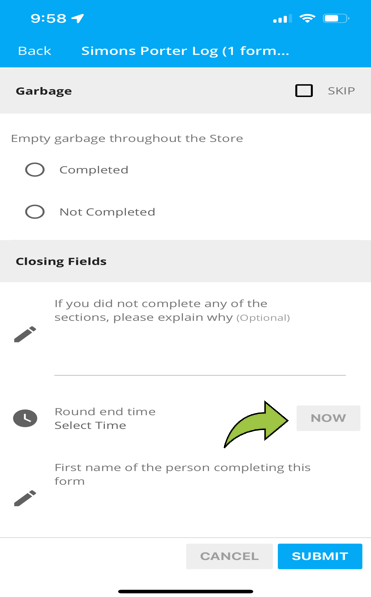
Enter the round start time.
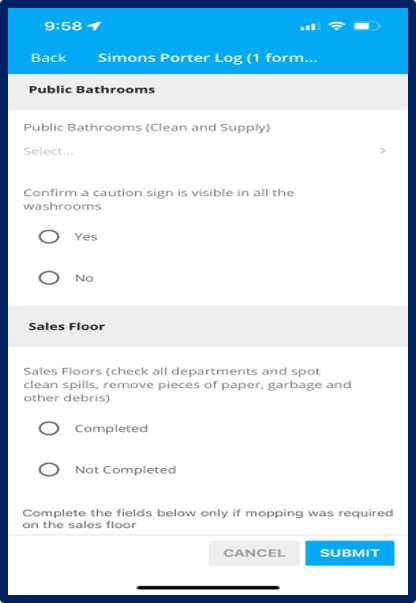
Answer all the questions for cleaning in each section.
Select the round finish time and submit the log in Lighthouse.
Open a new log and repeat steps 1–6 for each new log until the porter shift is complete.